Pinned, not pushy
Collapses to the notch on Mac; thin top bar on Windows.
 Headspace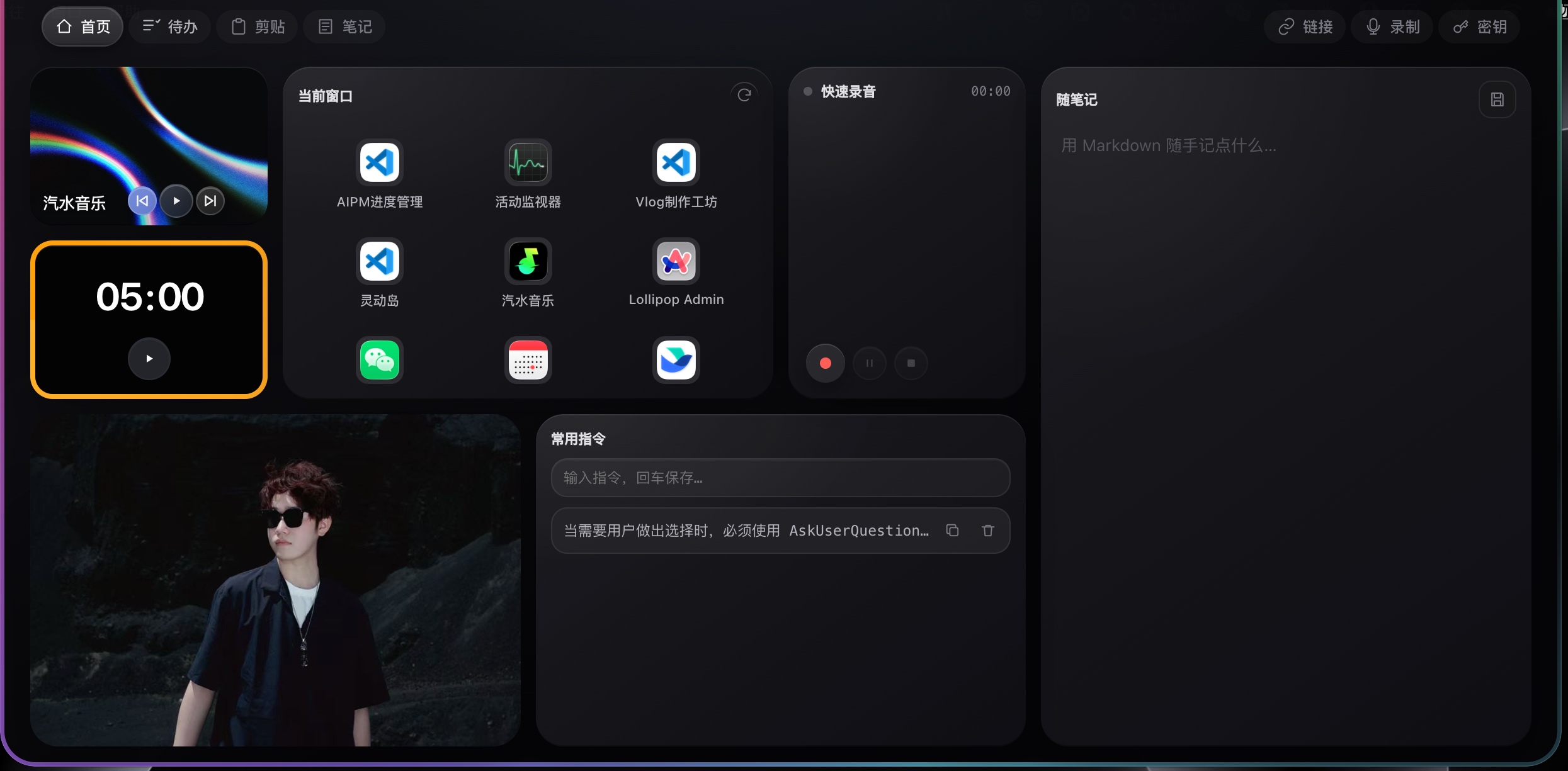
A top-edge workspace for Mac and Windows.
Install on your Mac or Windows PC - open this page on desktop to download.
Collapses to the notch on Mac; thin top bar on Windows.
Camera and mic start only when you click.
No backend. No cloud sync. Workspace folder is yours.
Codex, Claude, and GPT ping 127.0.0.1 - nothing else.
Bento tools: clock, scratch, commands, mirror, record.
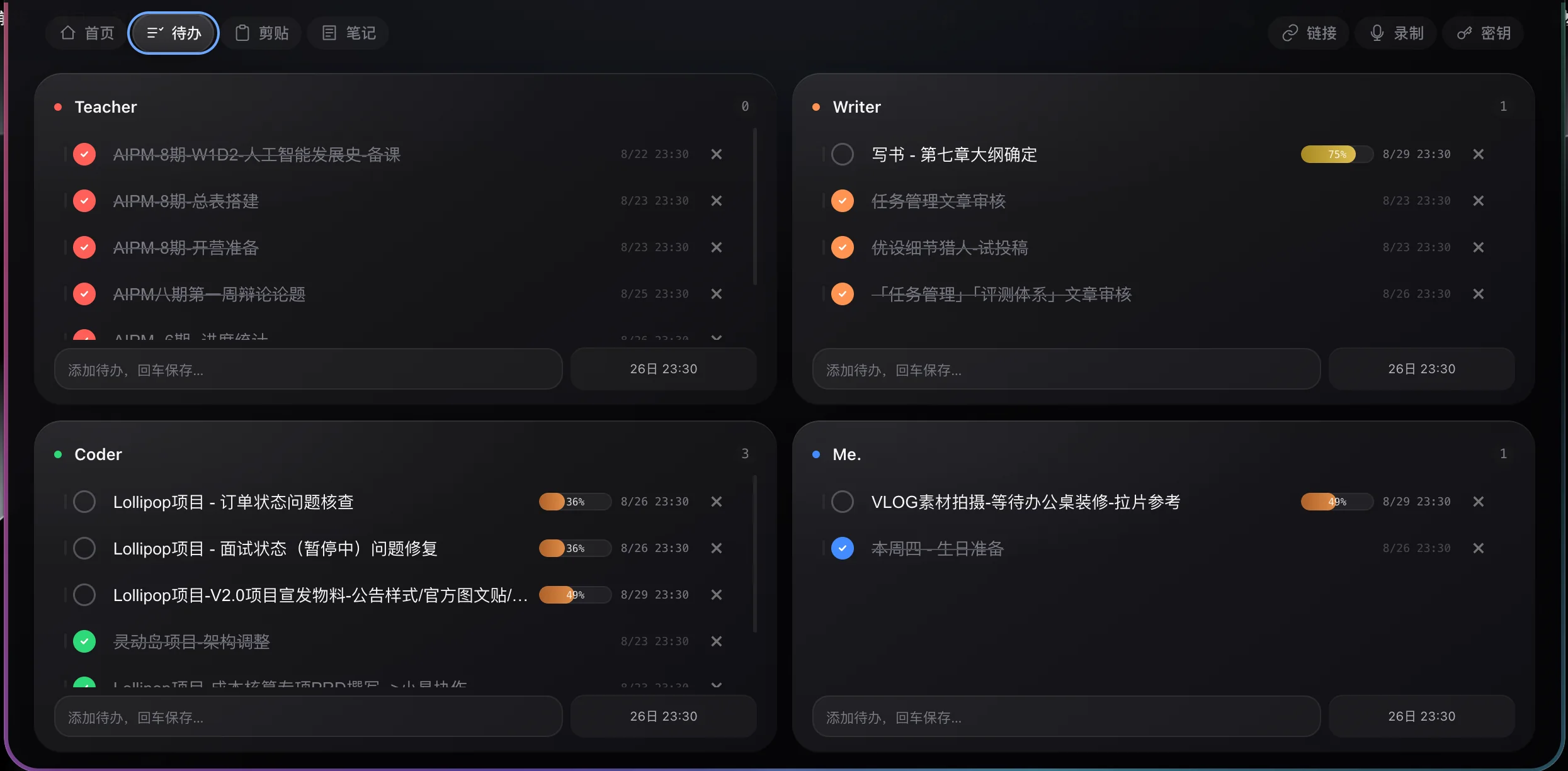
Four renameable workflows with deadline reminders.
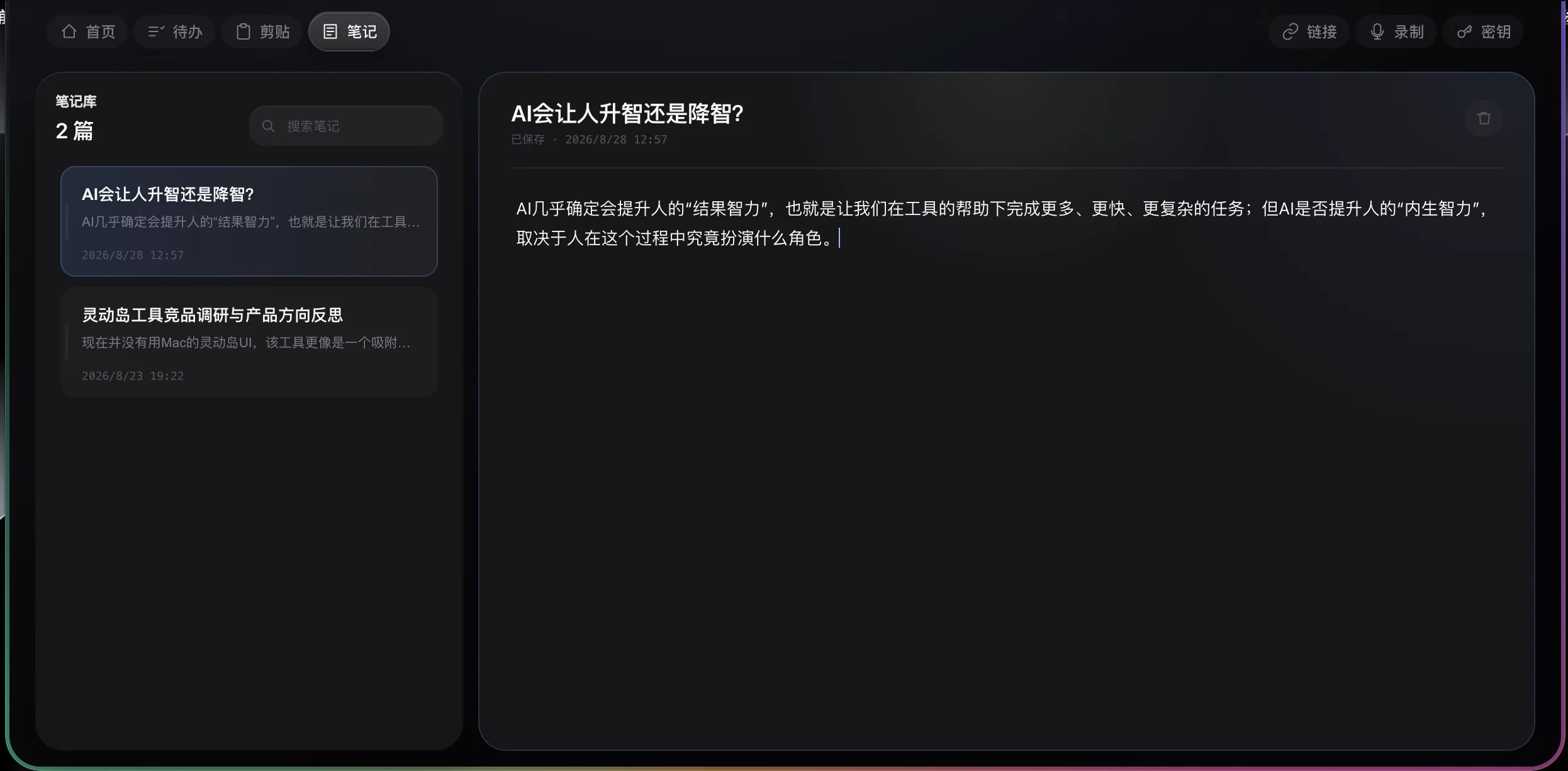
Markdown scratch into a searchable library.
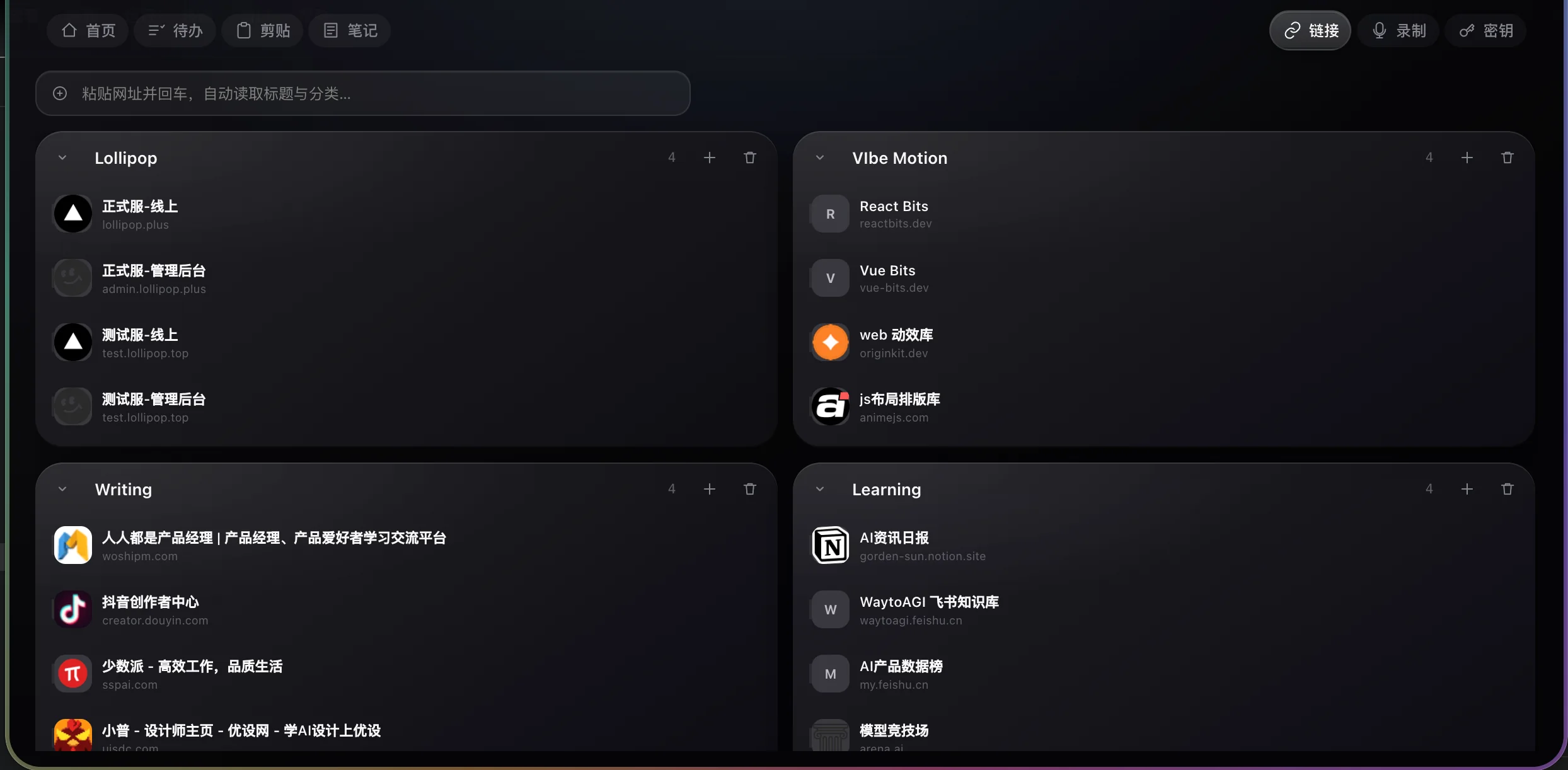
Public URLs with title and icon fill-in.
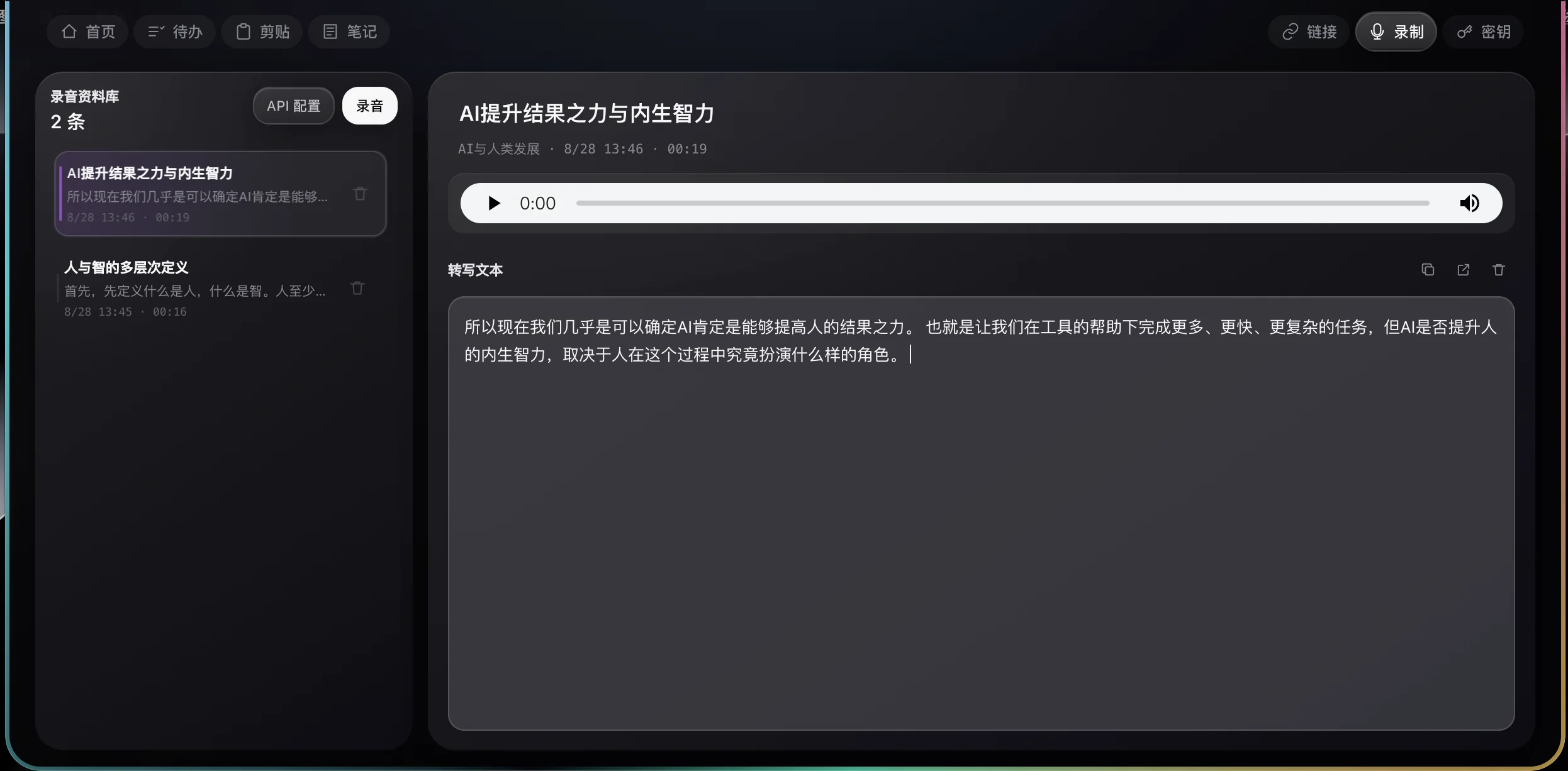
Mic on click; optional live transcription.
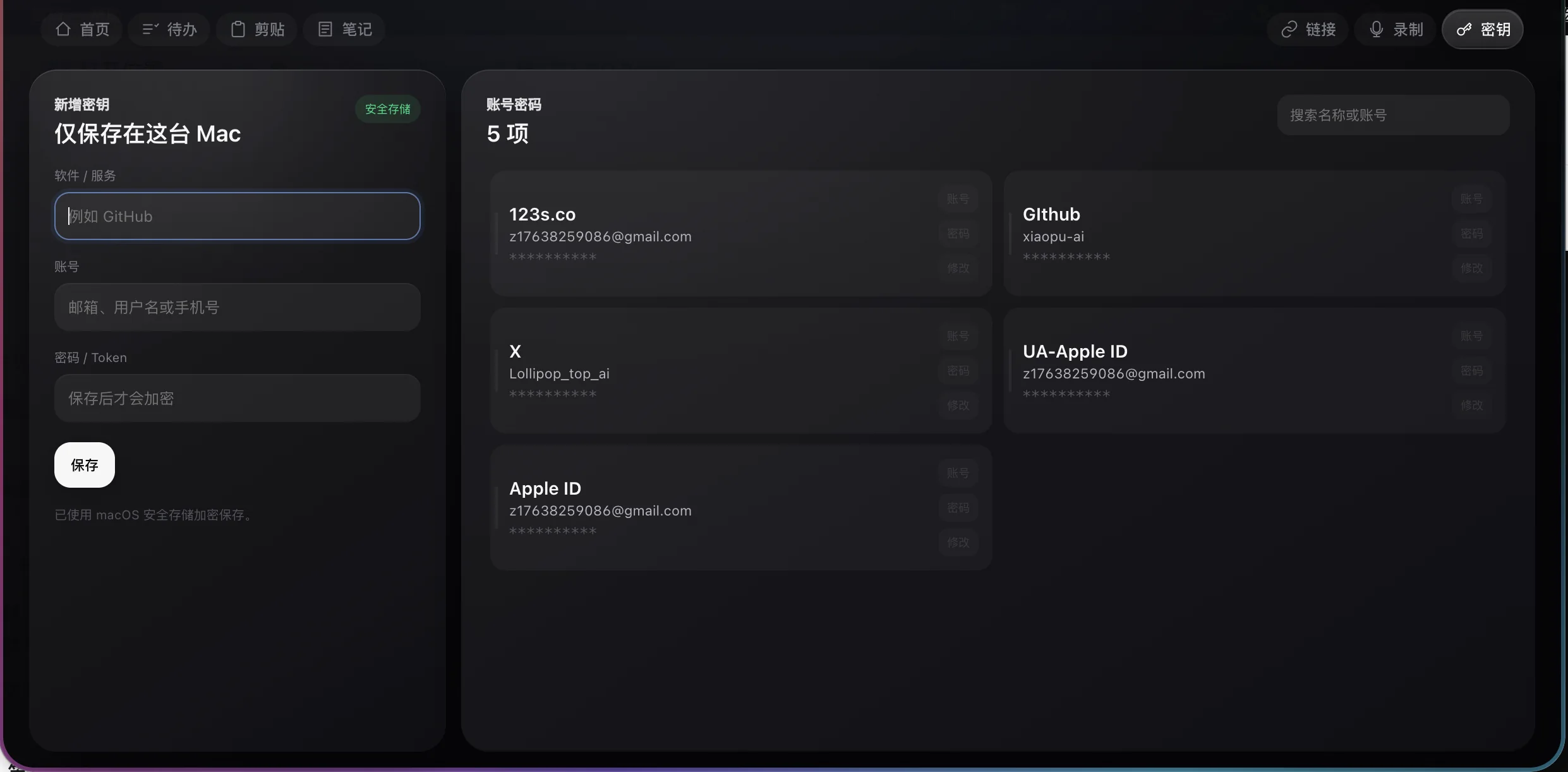
Credentials in system secure storage.
Headspace listens only on 127.0.0.1:43821 for /notify/codex, /notify/claude, and /notify/gpt.
127.0.0.1:43821 /notify/<source>
macOS may say the app is from an unidentified developer (ad-hoc signature, not notarized). System Settings → Privacy & Security → Open Anyway. Windows may show SmartScreen - verify the GitHub Release checksum, then Run anyway.
Homebrew (Apple Silicon)brew tap lioneltchami/tap && brew install --cask headspaceInstall help → GitHub Issues